


1. Start your family
You
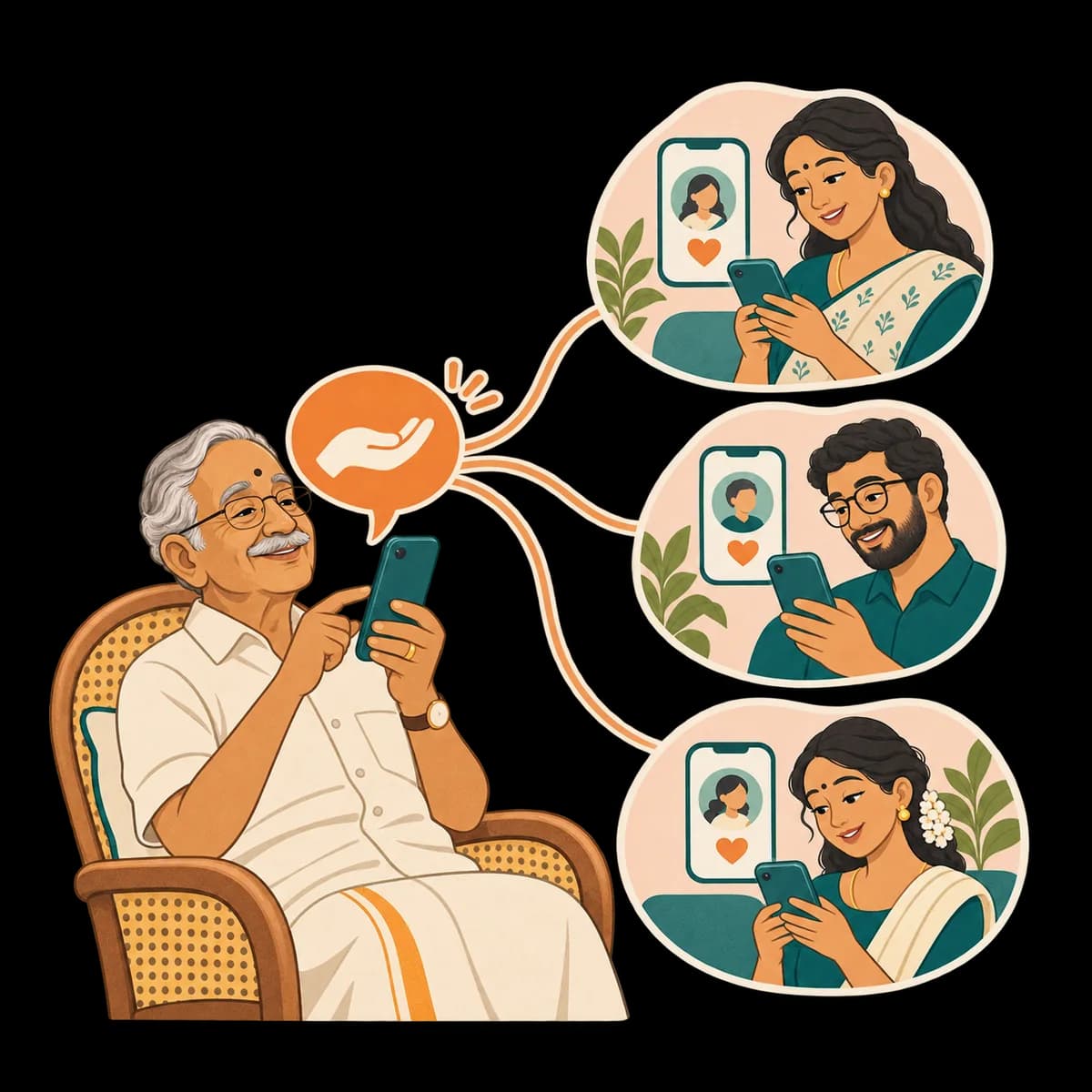
Sign up on the console, name your family, and add your parent with their WhatsApp number. Invite brothers, sisters and grandchildren if you like.
Wrynkle is a warm companion on your parent's WhatsApp. It chats in their language, remembers what matters to them, keeps their medicine and grocery lists, and tells you the moment they need help. Nothing for them to install.
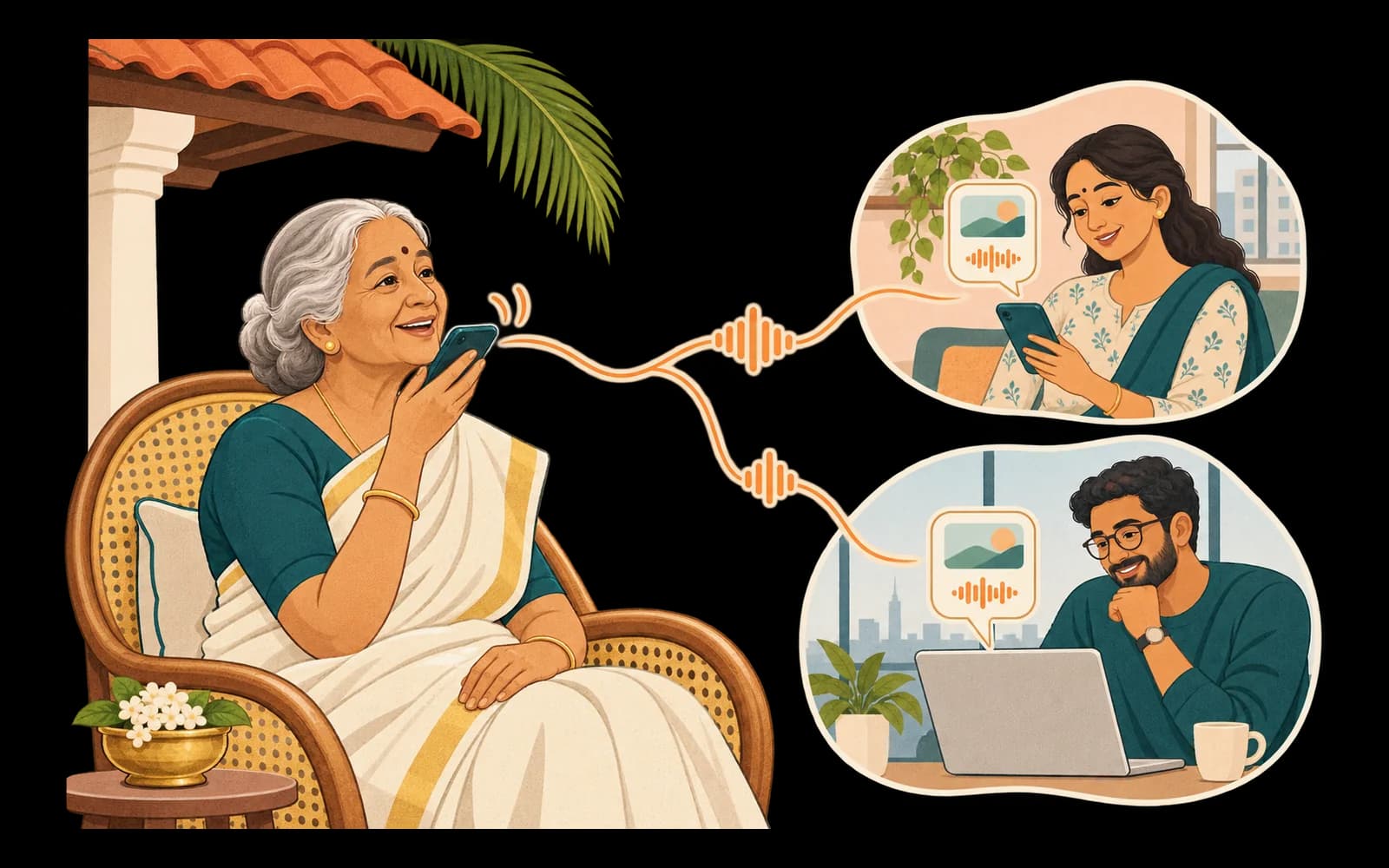
You do the setting up. Your parent keeps using WhatsApp. Everyone else stays in the loop.
You
Sign up on the console, name your family, and add your parent with their WhatsApp number. Invite brothers, sisters and grandchildren if you like.
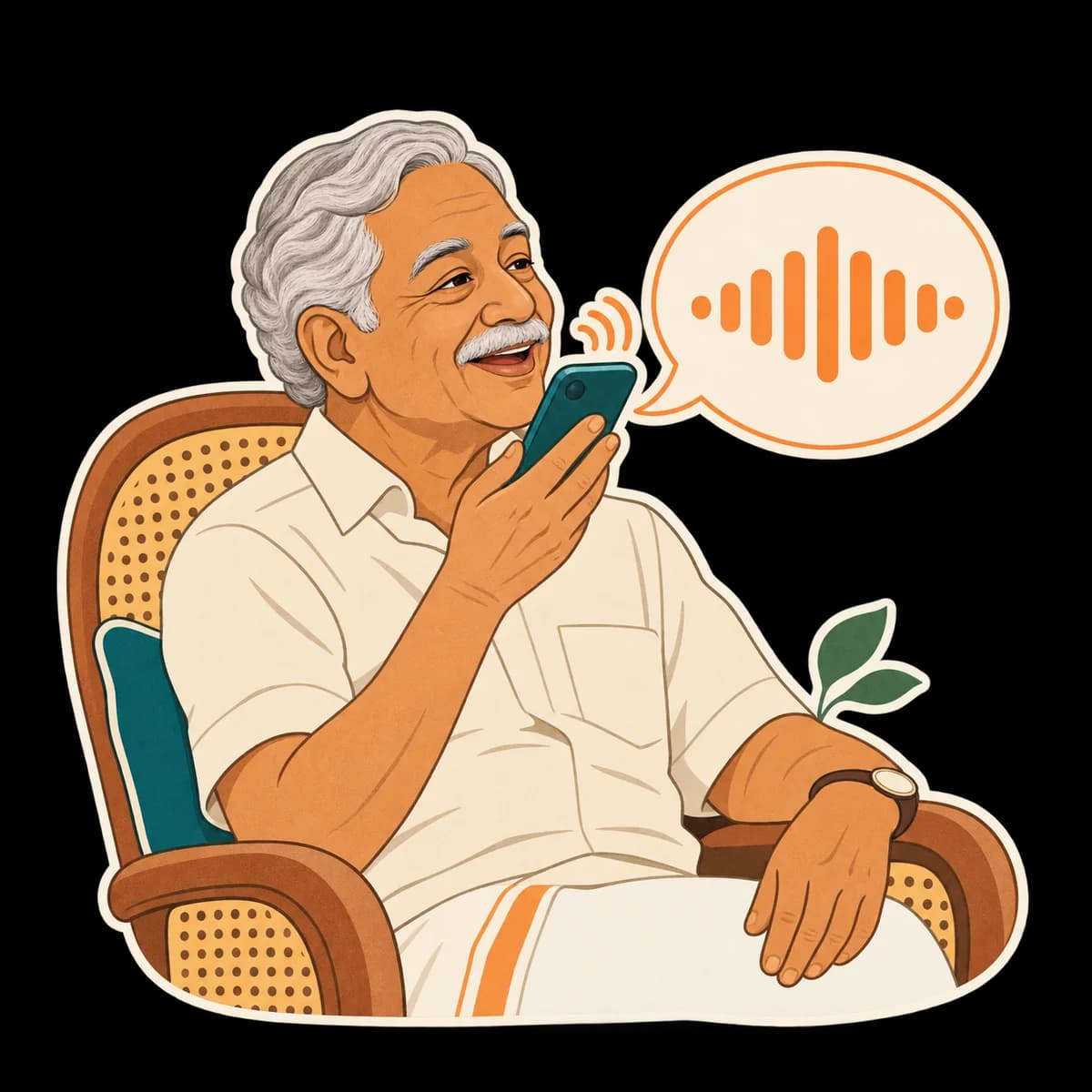
Your parent
Wrynkle sends one message saying who invited them, with Accept and Decline. If they accept, a short consent message explains what is kept and who sees it. Nothing is kept until they agree.
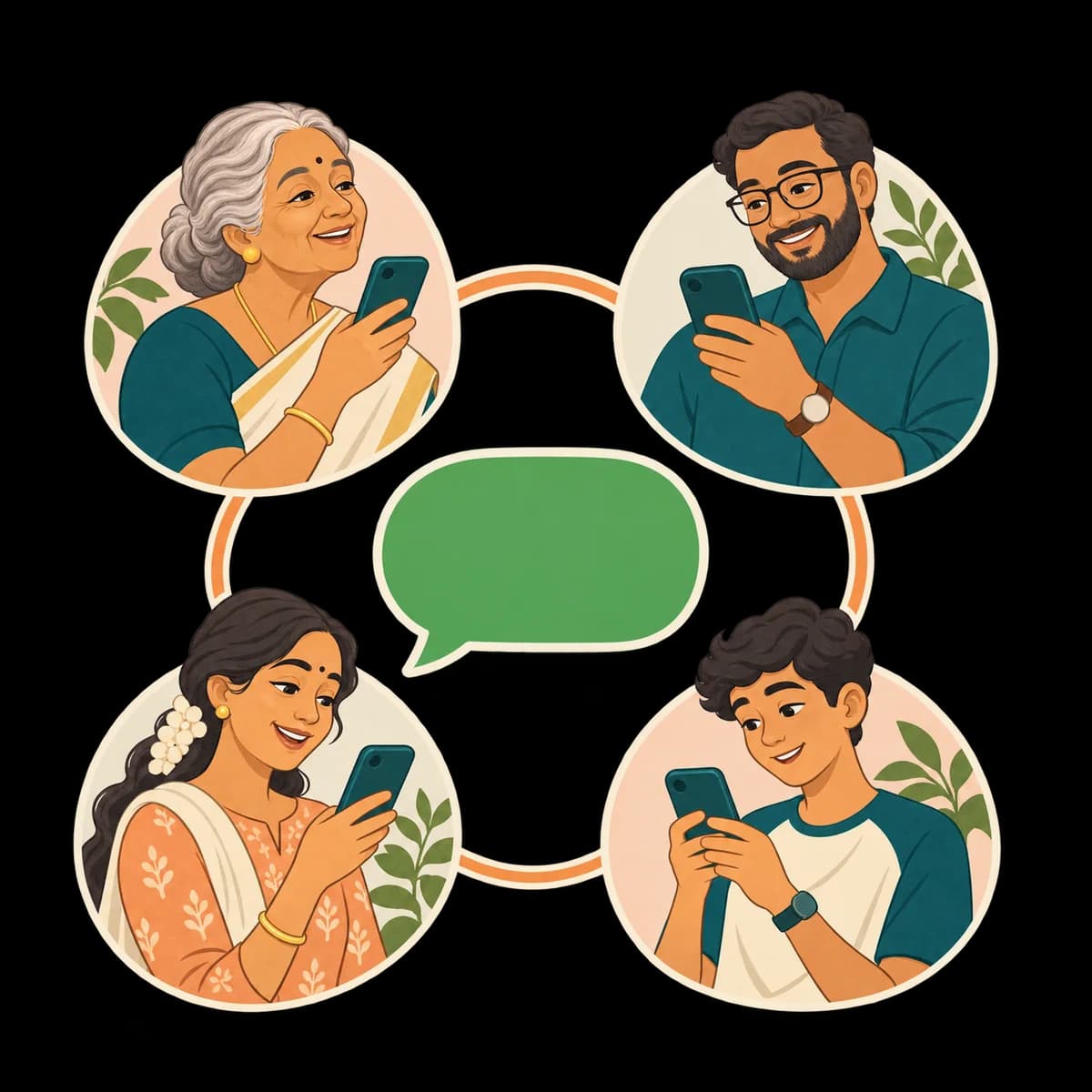
Everyone
Your parent chats on the WhatsApp they already use. Shared trackers, plans and help requests reach you in the console. They can say STOP at any time.
No app to install, no password to forget. Turn on a switch to see what Wrynkle does when your parent speaks.
Amma sends a voice note about her day.
Wrynkle replies in her language, using text or audio as appropriate. The conversation stays private unless she chooses to share it.
Appa sends a photo of a medicine strip.
Wrynkle reads the name and the label in plain words. It never changes a dose or gives medical advice.
Maa says “add milk to my list”.
It goes on her grocery list. The family sees the list only when it is shared.
Papa gets a message asking for his OTP.
Wrynkle warns him it looks like a scam. It never asks for or keeps codes or bank details.
Amma says “I fell”.
Wrynkle creates a help request for the family and uses available notification channels. Amma is told to call 112 in an emergency.
Appa sends STOP.
Wrynkle stops straight away. He can also ask it to delete his messages.
By voice or text, in their own language, any time of day. Each tile shows something your parent might say.
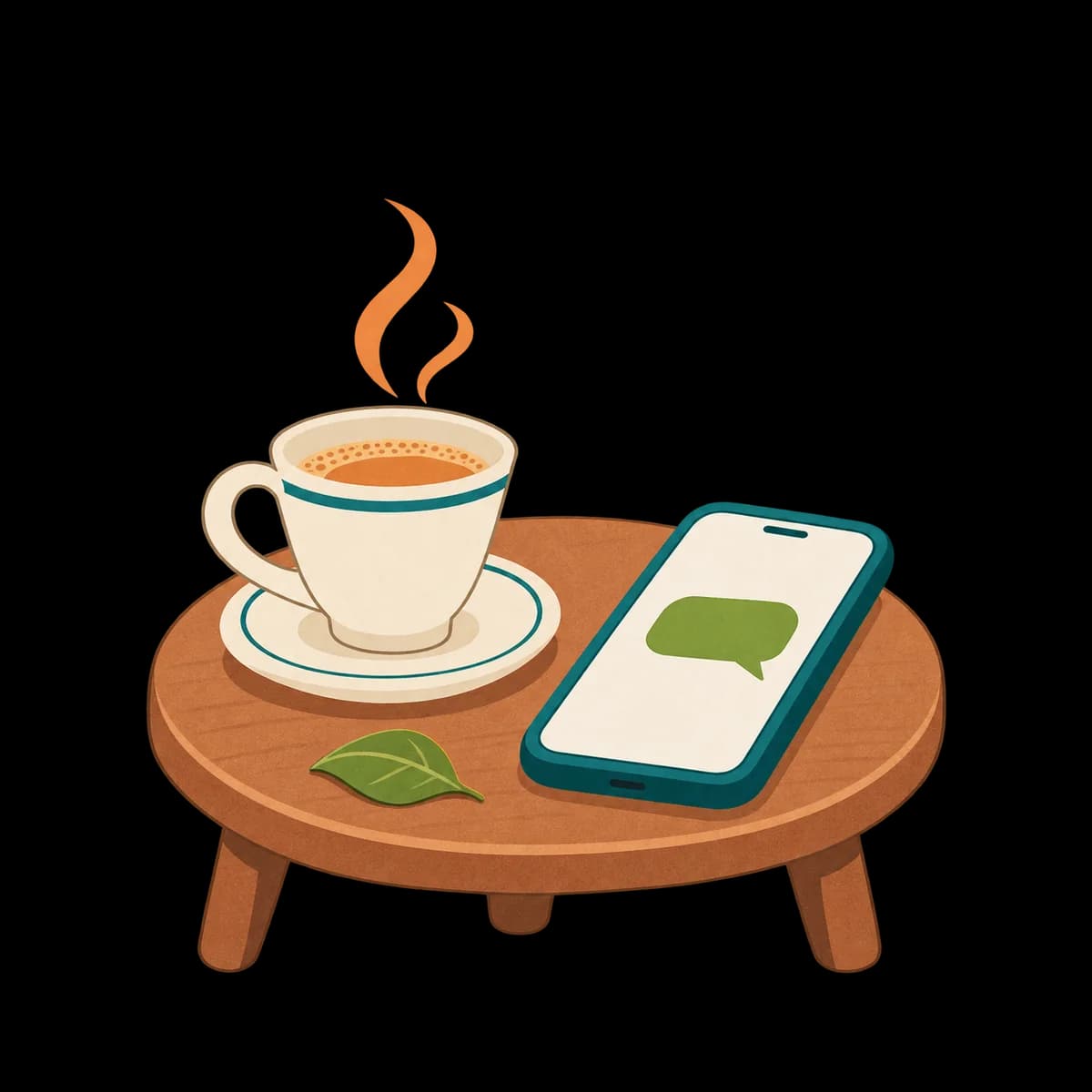
A warm companion for their day, their memories and their worries, so a quiet afternoon does not feel empty when the children are busy.

Family names, their routine, what they like, health they mention, important dates and what is on their mind. These remembered details stay private to the person using Wrynkle and can be deleted.
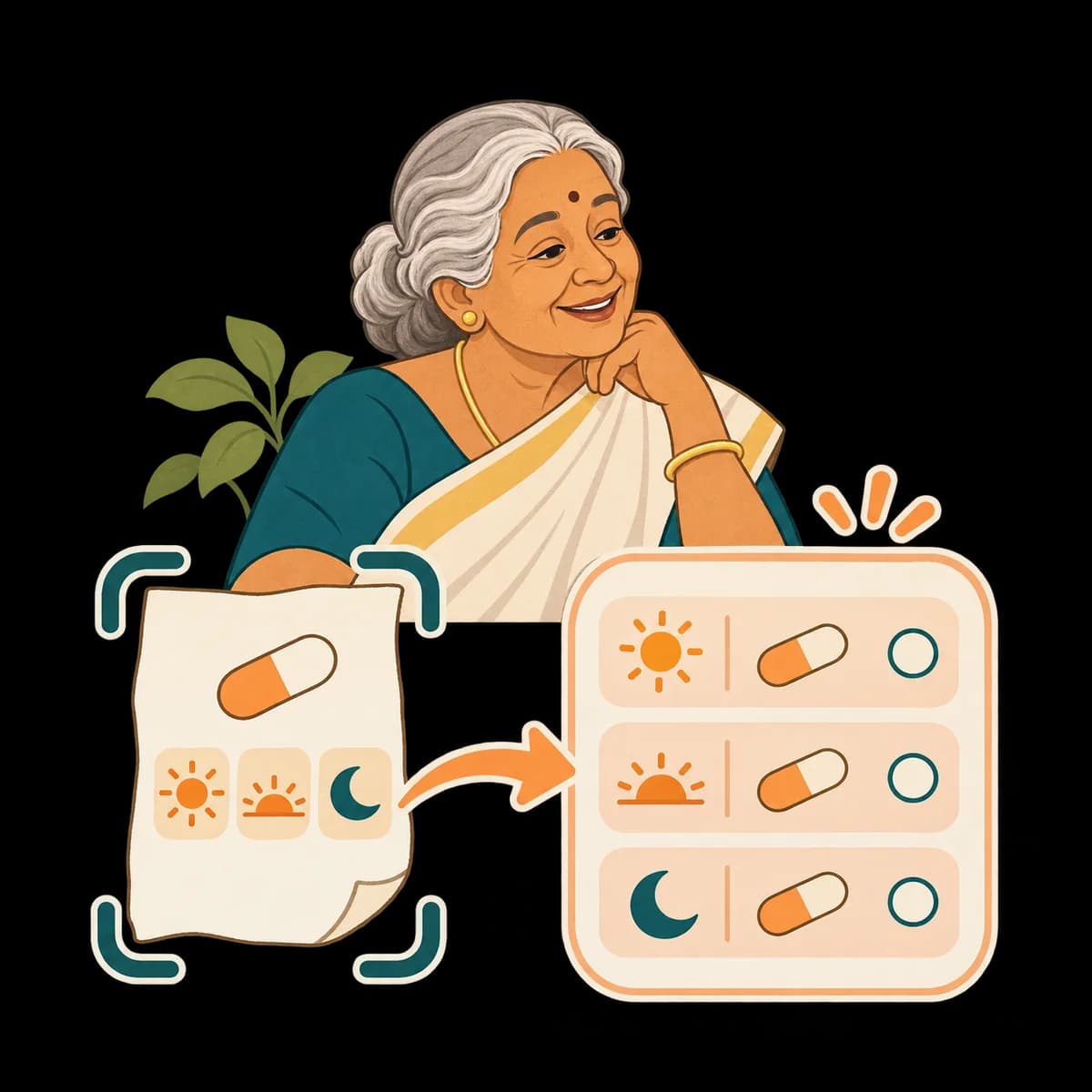
Recipes, phone help, what a word or a form means. Send a photo and it reads a medicine strip or prescription in plain words, explains a bill, or names a plant or a dish.
They can send a voice note instead of typing. Wrynkle can answer in text or audio, using the language of their message.
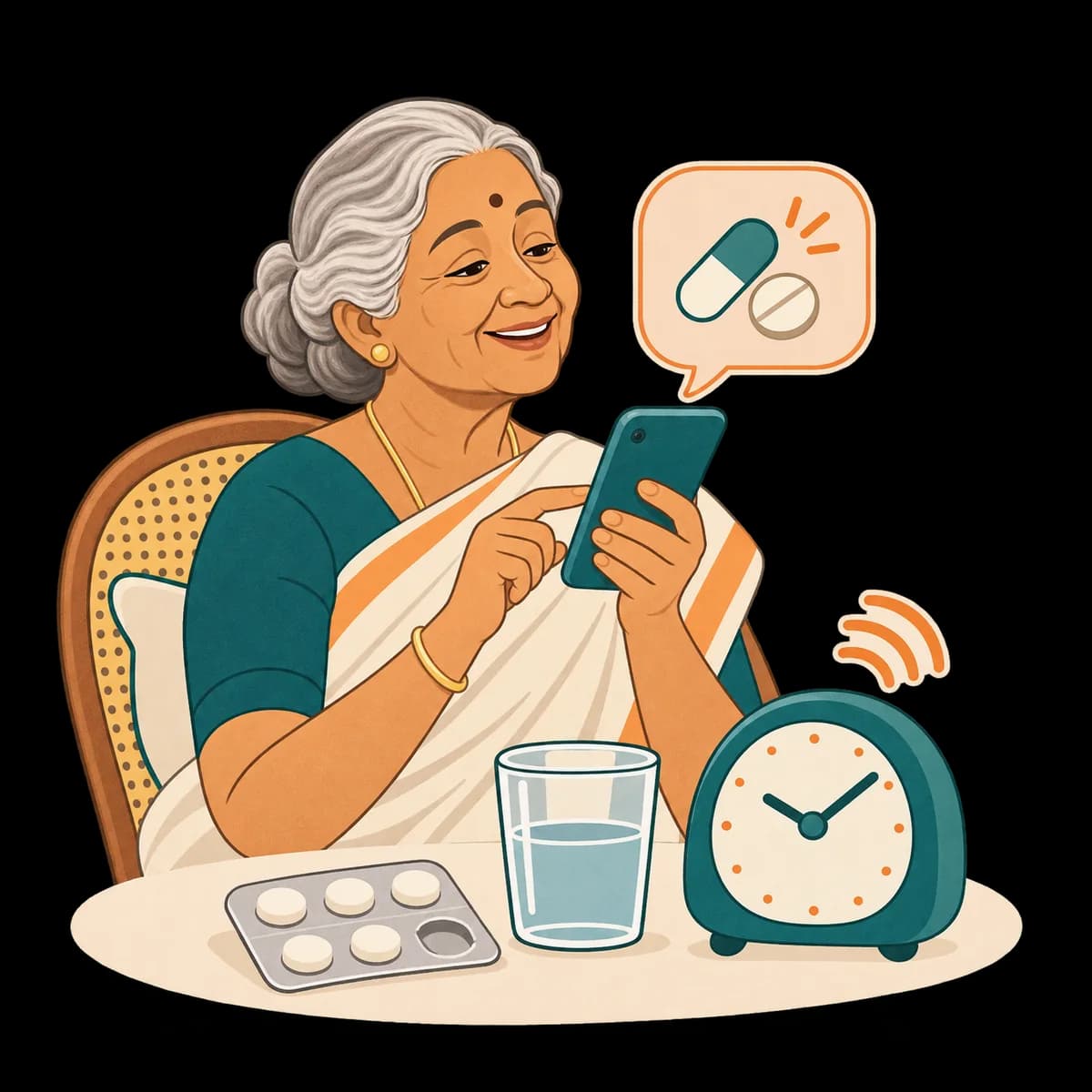
Medicines ticked dose by dose, groceries, things to do, doctor visits and their daily routine. Or a big-text list page they can tick with a thumb.
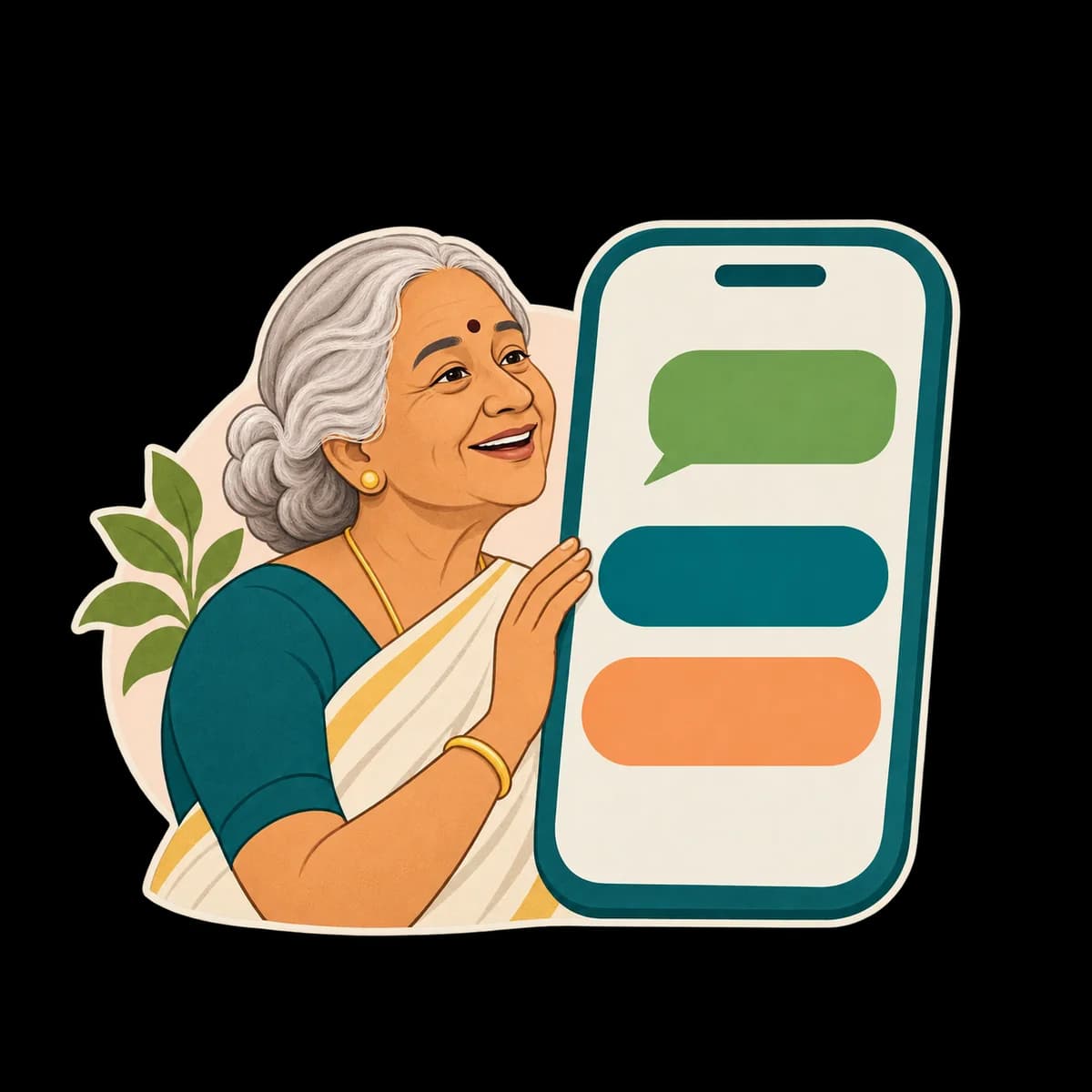
Reminders they ask for, confirmed with one tap. Check-ins you set, like “How are you today?”, with simple reply buttons.
Your parent says “I took my BP tablet” or “add milk to my list”, or sends a photo of a strip, and it is done. You see the same lists in the console and can edit them too.

Wrynkle
Family care for Amma
Your parent speaks or types in the language they are most at home in: more than 20 Indian languages and over 100 more worldwide. Wrynkle replies in the same language and script, and answers a voice note with a spoken one. See every language.
Wrynkle
Family care for Amma's circle
Children and grandchildren in Kochi, Bengaluru, Dubai or Toronto use the family console. It shows how your parent is doing without twenty questions on the phone.
Shared plans, check-in replies, help requests and reported medicine records, at a glance.
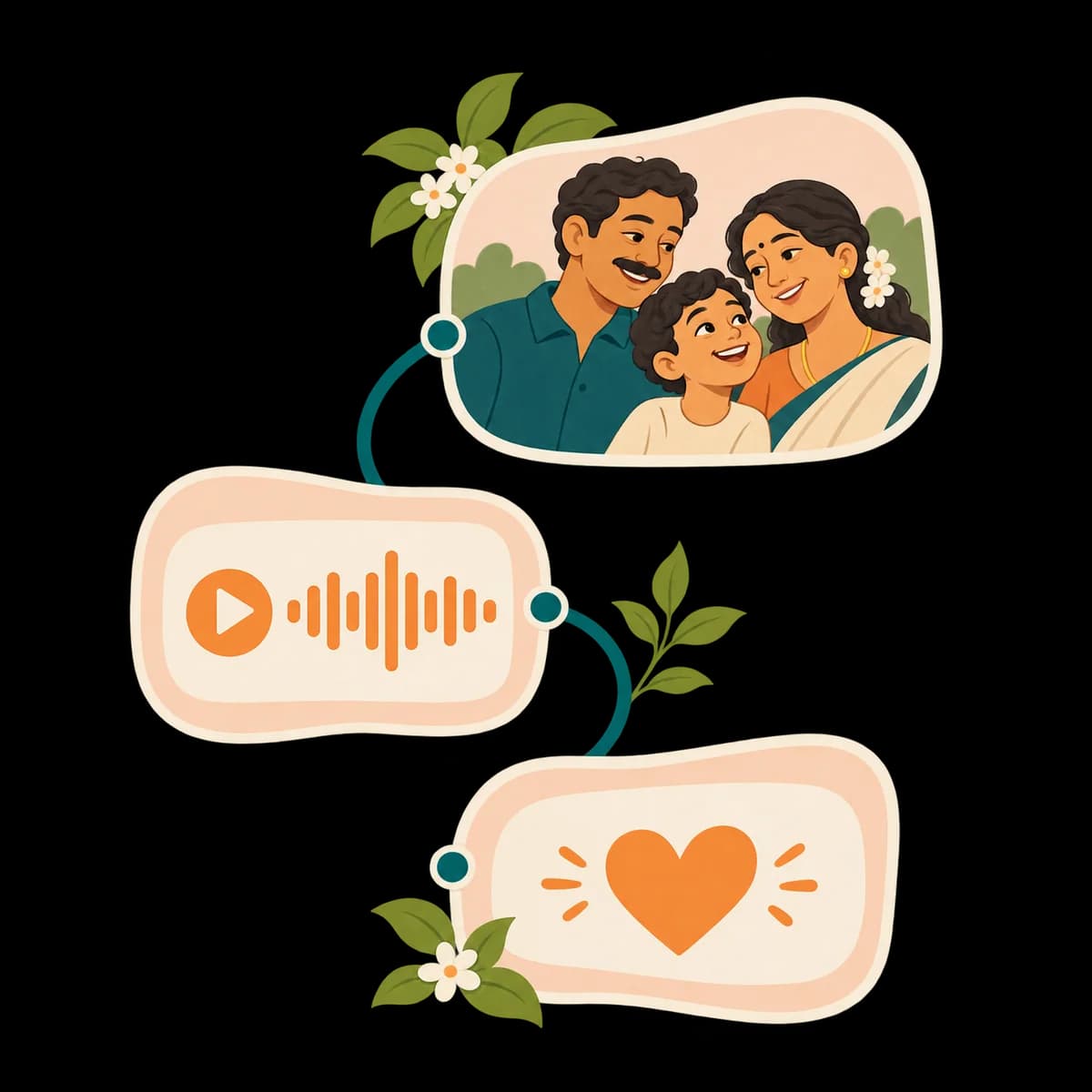
Conversations stay private. A parent can choose to share messages with family organizers.
The primary user can access medicine trackers. Groceries and other trackers appear in the family console when shared.
Set them once, daily or on weekdays, and see what was sent, answered and done.
Help requests appear in the console. Available notifications follow your settings. Tap “I’m on it” to let your parent know who is responding.
If they ask for help, Wrynkle creates a family help request and uses available notification channels. It tells them to call 112 in an emergency.
It warns about OTP, bank and prize scams, and it never asks for or keeps codes, passwords or bank details.
Nothing is kept until they accept on WhatsApp. Nobody can agree on their behalf, and STOP works any time.
Conversations and remembered details stay private. Parents choose whether to share messages with organizers. No ads, no selling data or training AI on family content.
Recordings are deleted after 30 days. Messages and remembered details stay until deleted using the available privacy controls. Deleting a family also removes its shared records.
Wrynkle does not diagnose, advise on doses, buy things or handle payments. It can look up public information for everyday questions. It alerts your family, and in an emergency it tells your parent to call 112.
No. Your parent uses the WhatsApp they already have, by voice note or text. Only the family members who want to follow along use the family console at console.wrynkle.app, in any browser on a phone or computer.
The one they are most at home in: more than 20 Indian languages, including Hindi, Malayalam, Tamil, Telugu, Kannada, Marathi, Bengali, Gujarati, Punjabi and Odia, and over 100 more worldwide. Wrynkle replies in the language and script they use, by voice note or text, and chooses text or audio according to the conversation. The full list is on our languages page.
It remembers what makes conversations feel personal: family names, their routine, what they like, health they mention, important dates and what is on their mind. Remembered details are private and are not shown on the family dashboard. Your parent can ask Wrynkle to delete their messages too.
No. It can read a medicine strip or prescription in plain words, but it does not diagnose, change doses or give medical advice. It does not contact emergency services. When your parent asks for help it alerts the family and tells them to call 112 in an emergency.
Yes. One family can look after more than one parent, each with their own WhatsApp. Invite siblings, cousins and grandchildren by email: organizers manage the family, others can help or simply view.
Start your family on the console and add your parent. They get one WhatsApp invitation, and they decide.
The family console works in your phone's browser today; the mobile apps come later.

